Remote Config
The Remote Config section in the iXR Platform allows you to remotely create and manage project-specific configuration entries. Configs are stored as key–value pairs and let you fine-tune project behavior without redeploying code.
📁 Accessing Remote Config
To access Remote Config:
- Select your project from the Switch Project dropdown in the sidebar.
- Click Remote Config in the left-hand menu.
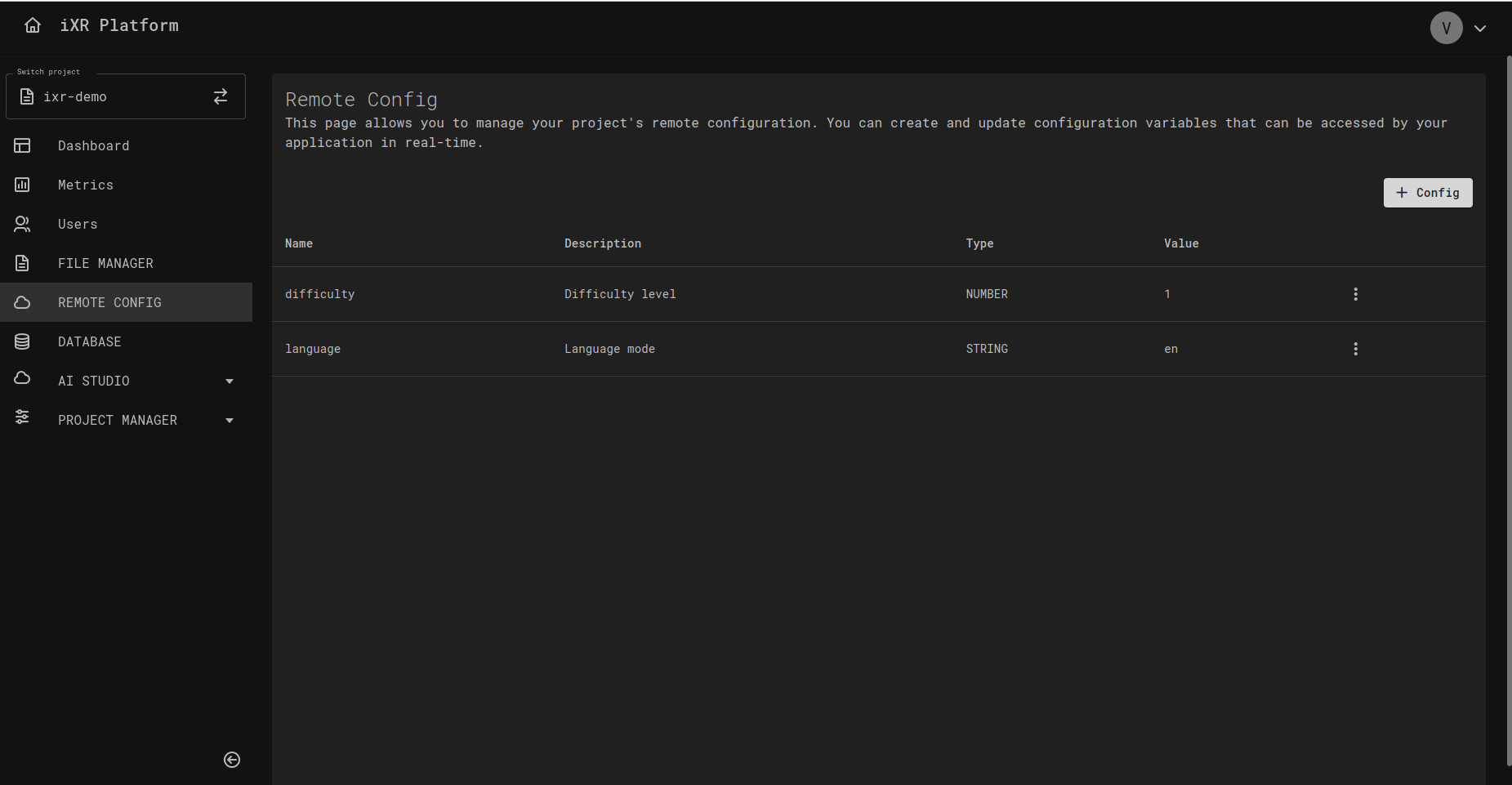
You’ll see a list of existing configuration entries, with the following columns:
- Name – Unique key identifier.
- Description – Human-readable explanation of its purpose.
- Type – Data type of the value.
- Value – Serialized configuration value (e.g., JSON string).
➕ Creating a New Config
To add a new configuration entry:
- Click
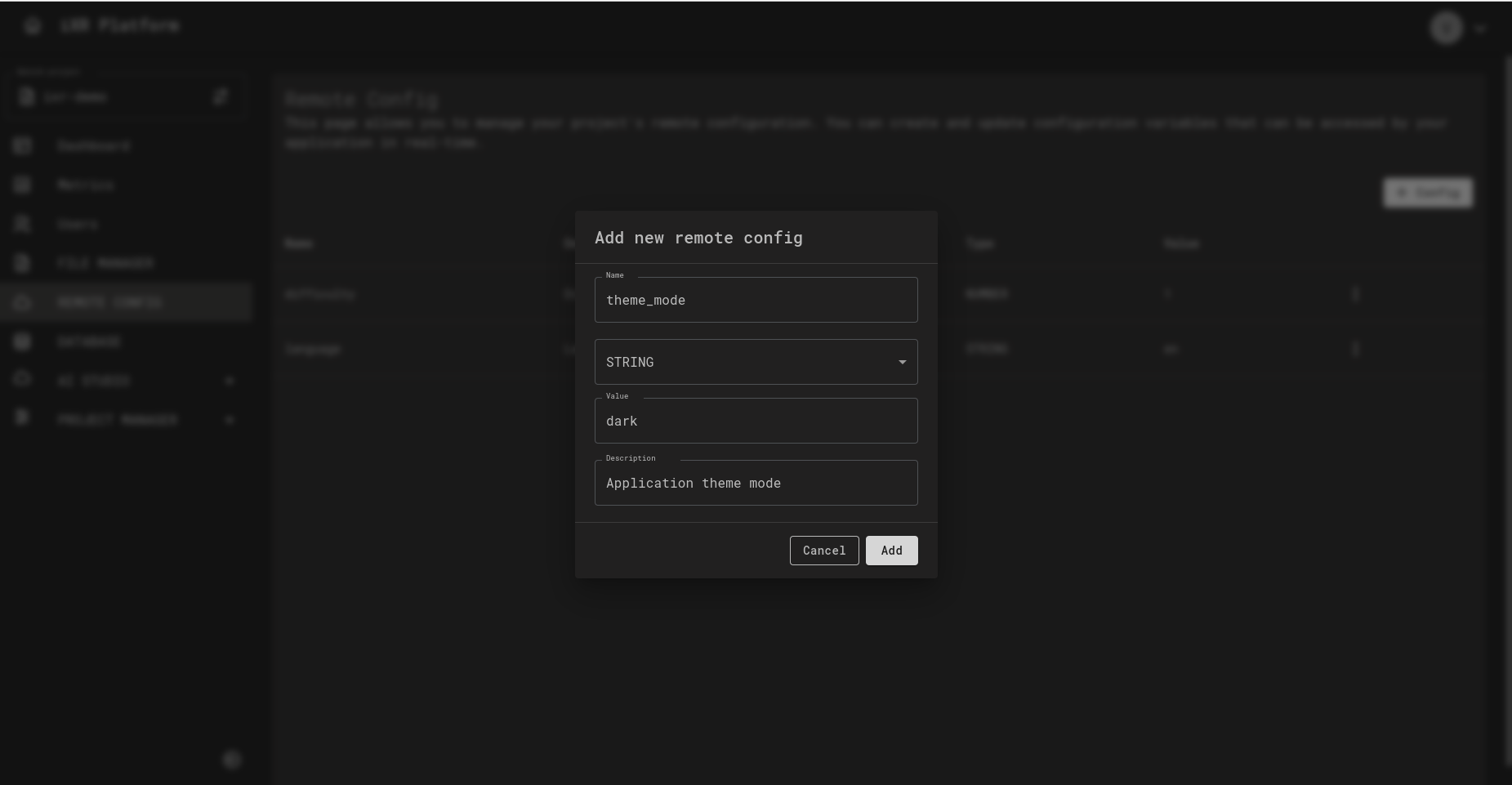
+ Configin the top-right corner. - Fill in the fields:
- Name – Unique key (e.g.,
max_retry_count). - Type – Select one of the supported value types.
- Value – Enter the value that matches the type.
- Description – Optional, but strongly recommended for clarity.
🧩 Supported Data Types
You can define configuration values in the following types:
- STRING – Plain text.
- NUMBER – Integers or decimals.
- BOOLEAN –
trueorfalse. - JSON – Structured objects or arrays in JSON format.
💡 Use the type that best matches your application’s intended usage.
🔄 Config Flow (Web ↔ VR Application)
Diagram below illustrates how configs are created in the web app, retrieved in the VR app, updated, and then refreshed on the next fetch.
✅ Best Practices
- Use clear, descriptive, and consistent naming (e.g.,
feature_flag_chat_enabled). - Prefer JSON for grouped or structured data.
- Avoid using Remote Config for rapidly changing values; it’s optimized for configuration, not real-time data.
- Keep descriptions updated so teammates can easily understand the purpose of each entry.
💡 Business Case
Remote Config makes it easy to manage settings without redeploying your application. For example:
Your application can retrieve remote configs to control runtime behavior, such as:
- Language settings (e.g., English, German, Spanish).
- Feature flags (e.g., enable/disable a beta feature).
- Difficulty levels in a game or training module.
By updating values in Remote Config, you can roll out changes instantly to all users without shipping a new release.