👥 User Management
📖 Key Terminology
Understanding the following terms is crucial for effective user management:
| Term | Definition |
|---|---|
| 👤 End User | Individuals using your actual application (VR, AR, mobile, web, etc.). Their data is collected and managed within the iXR platform. Sometimes referred to as Domain User. |
| 🏢 Company Member | An internal user invited to your organization. They access the iXR Web Admin Panel to manage projects, data, and analytics based on their assigned permissions. |
| 📂 Project Member | A Company Member who has been added to a specific project within the iXR Web Panel, granting them defined access levels to that project's resources and its End Users. |
| 🙋 "My Users" | A feature enabling Project Members to view and manage End Users specifically assigned to them, often with enhanced management privileges for this particular subset. |
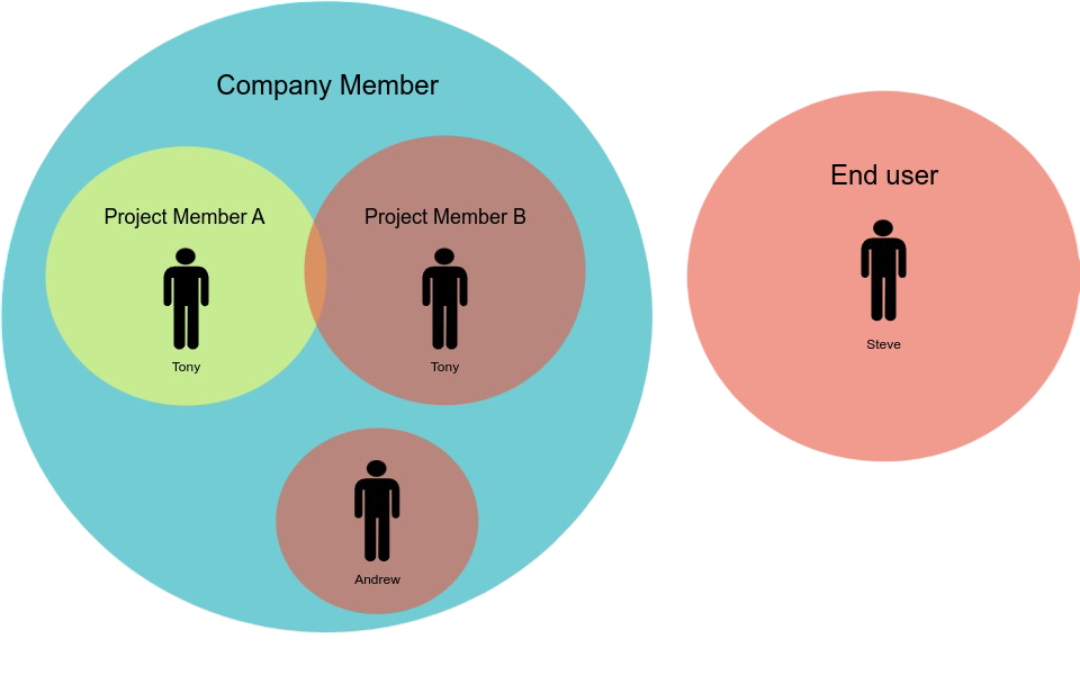
🗂️ User Management Tabs
In iXR, Users primarily refers to End Users—the individuals interacting with your application (e.g., clients, trainees, players). This section is dedicated to managing these End Users, allowing you to view profiles, track activity, edit information, and configure data fields and settings.
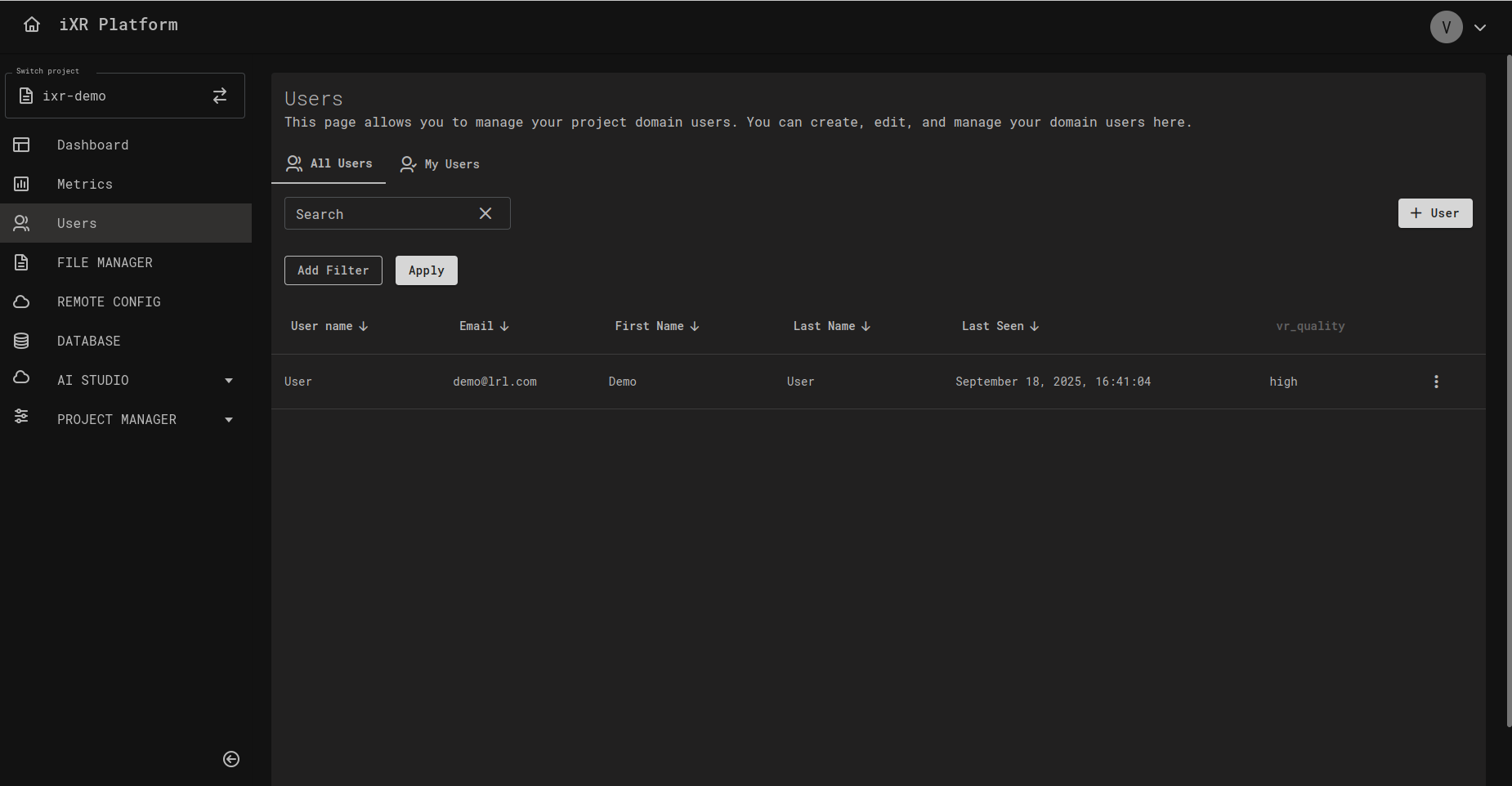
The Users page is organized into two main tabs, All Users and My Users, each governed by distinct permission sets.
- 📋 All Users
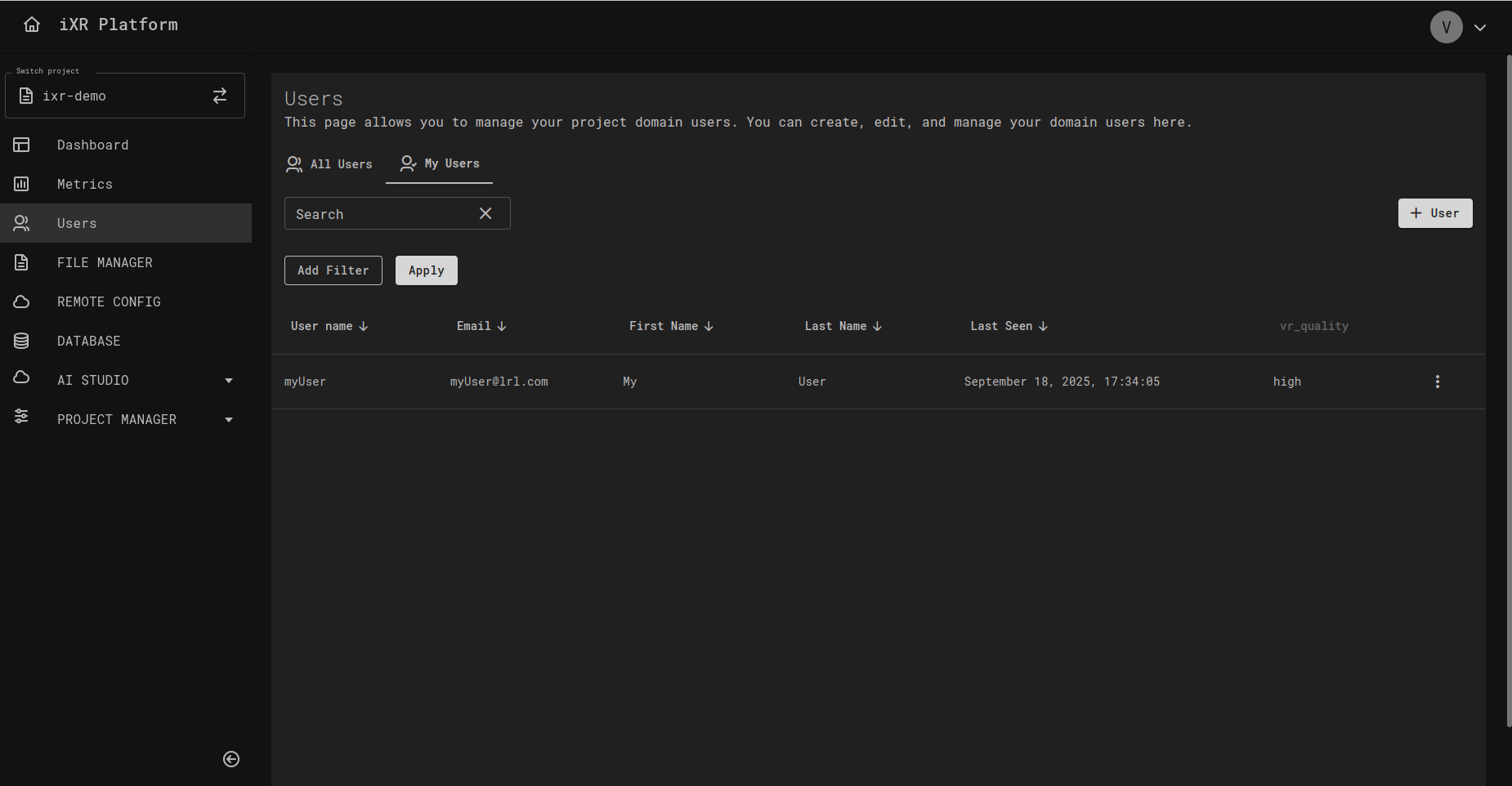
- 🙋 My Users
:::warning[⚠️ Important Security Note] The All Users tab provides access to modify any End User within the project. For Project Members who only need to view or manage their specifically assigned End Users, restrict them to the My Users tab to prevent unintended modifications. ::: - Scope: Displays a comprehensive list of all End Users created within the project. This includes users created directly in the project and those listed under any Project Member's My Users tab. - User Creation: End Users created here are project-wide and are not automatically linked to a specific Project Member. ---
- Scope: Displays End Users created by or specifically assigned to the Project Member currently viewing this tab. - User Creation: End Users created here are automatically linked to the creating Project Member, who is granted 👑 Owner access by default. ---
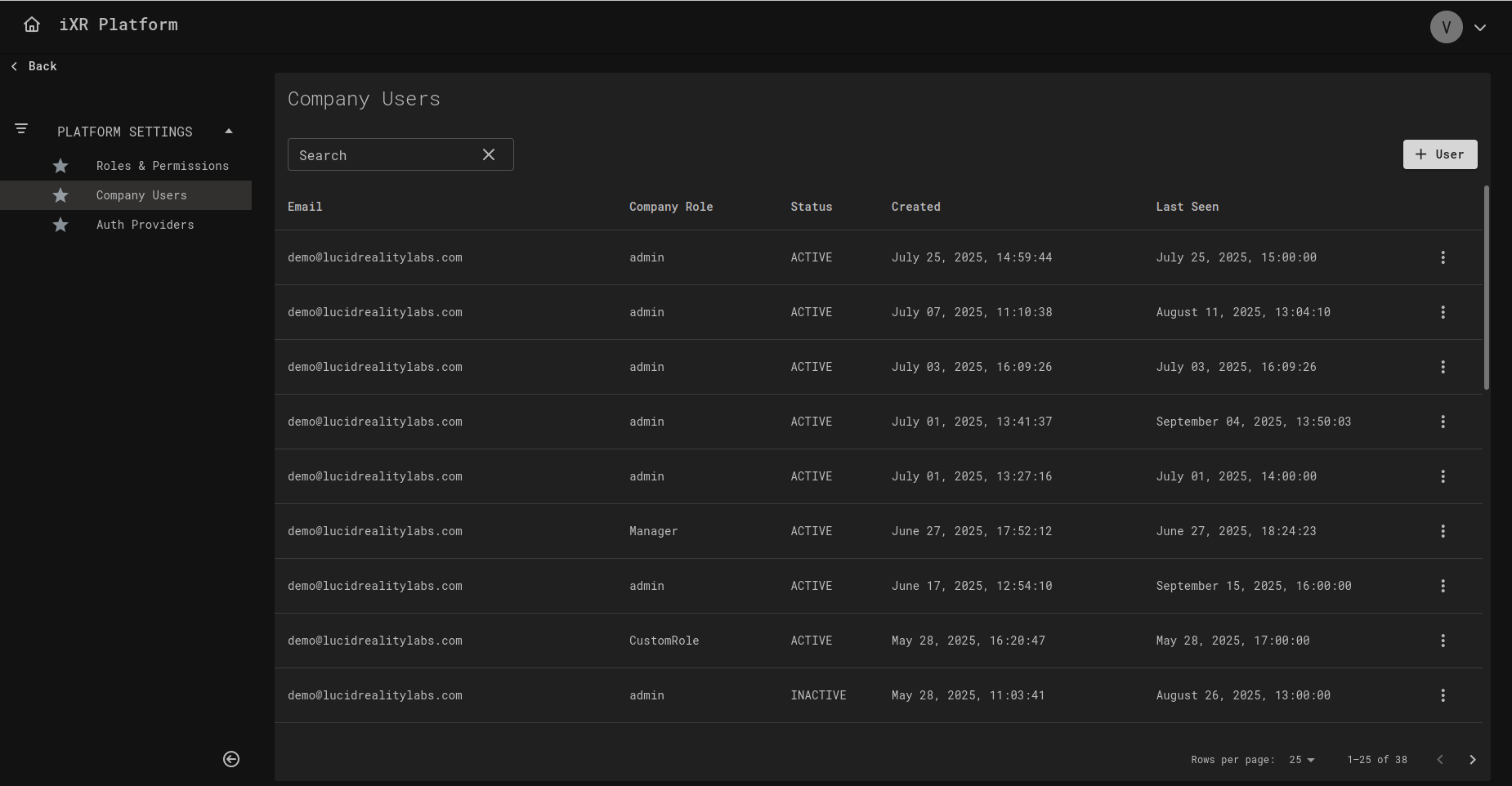
🏢 Company Members
Company Members are internal users invited to your organization. They exist outside of individual projects but can be assigned to them.
🔑 Key Points
- Company Members access the iXR Web Admin Panel.
- They can belong to multiple projects within the same company.
- Their permissions are based on roles assigned to them within the platform.
- A Company Member not added to a project cannot access its data.
Example Use Case
- A company admin invites Alice as a Company Member.
- Alice can later be added as a Project Member to specific projects like VR Training or AR Simulation.
📂 Project Members
Project Members are Company Members assigned to a specific project. They define who can interact with project resources and End Users.
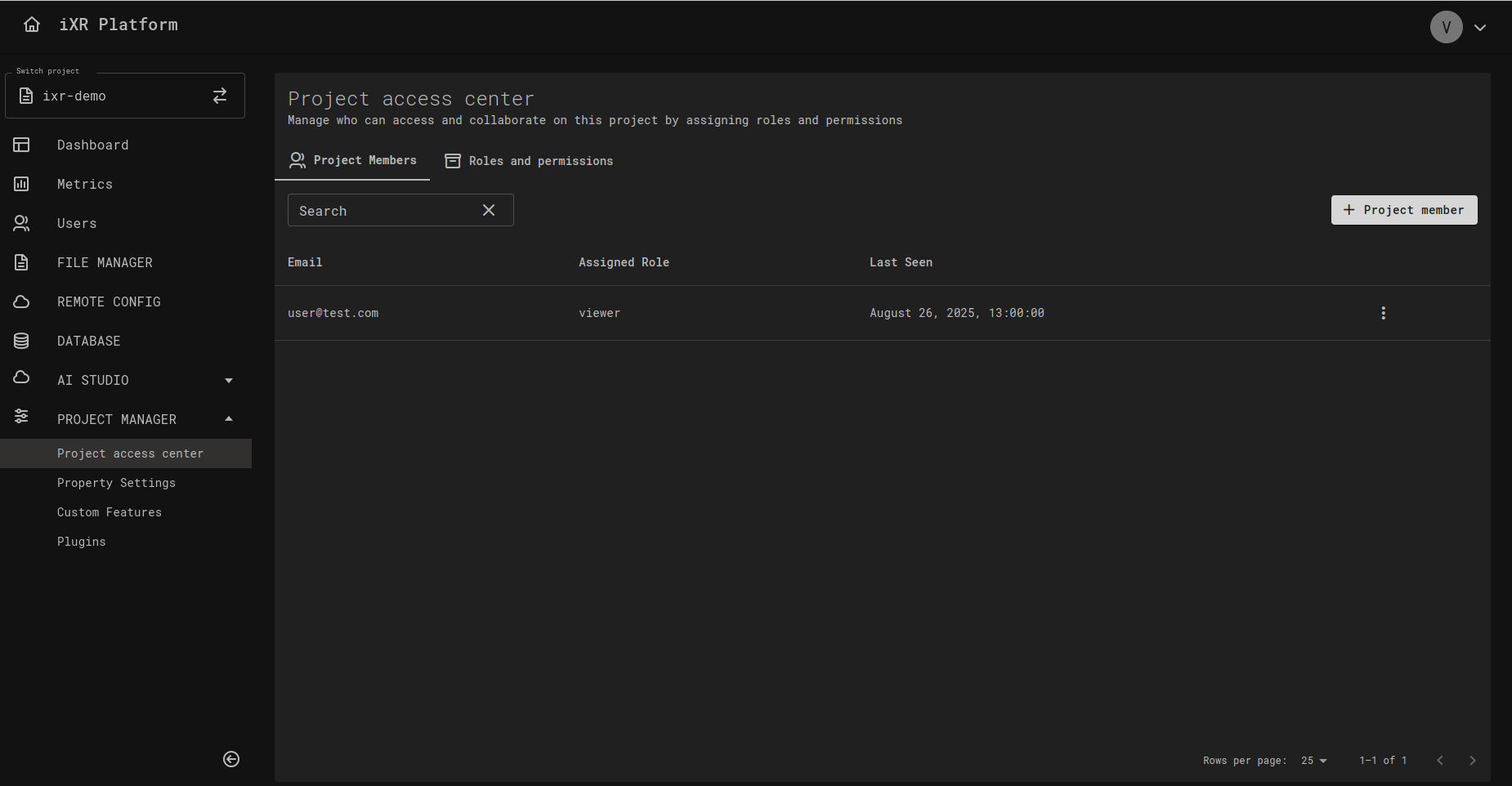
🔑 Key Points
- Project Members are scoped to project only.
- They can have different roles in different projects (e.g., Editor in Project A, Viewer in Project B).
- They manage End Users, project settings, and analytics within their assigned project.
Example Use Case
- Alice is a Company Member.
- In Project VR Training, she is assigned as an Editor.
- In Project AR Simulation, she is only a Viewer.
- This allows her to edit End User profiles in VR Training but only view data in AR Simulation.
💡 Business Case
Imagine your organization runs multiple VR training programs across different industries.
- Company Members = your internal staff (trainers, analysts, developers).
- Project Members = define staff access per project (e.g., Trainer only in Healthcare Project, Viewer in Safety Training Project).
- End Users = trainees in each project.
This separation ensures:
- Trainers only see the End Users they manage.
- Analysts can access metrics without editing user data.
- Admins can enforce principle of least privilege across all projects.