Providers
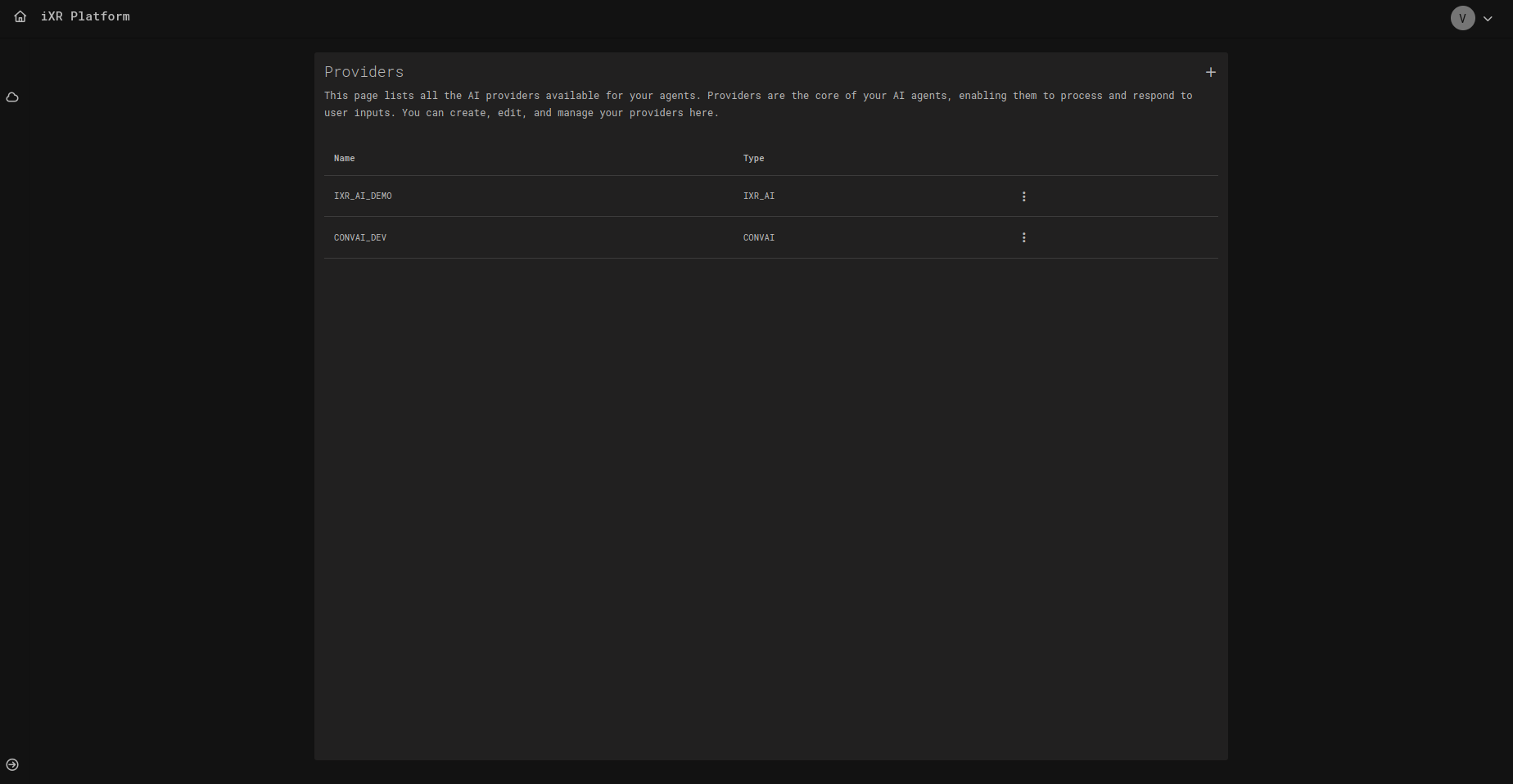
The Providers page allows you to manage the AI providers that power your agents. Providers are the backbone of an agent’s intelligence — they process user inputs and generate responses. Each provider comes with its own capabilities, API credentials, and settings.
On this page, you can:
- View all configured providers.
- Create new providers by adding their credentials.
- Edit provider details such as name, type, or API key.
- Remove unused or outdated providers.
📋 Provider List
The list displays all configured providers, showing:
- Name – Internal identifier of the provider (e.g.,
IXR_AI_DEMO). - Type – Provider service type (e.g.,
INWORLD,CONVAI,IXR_AI).
From the list, you can open the actions menu (⋮) to edit or delete a provider.
➕ Creating a Provider
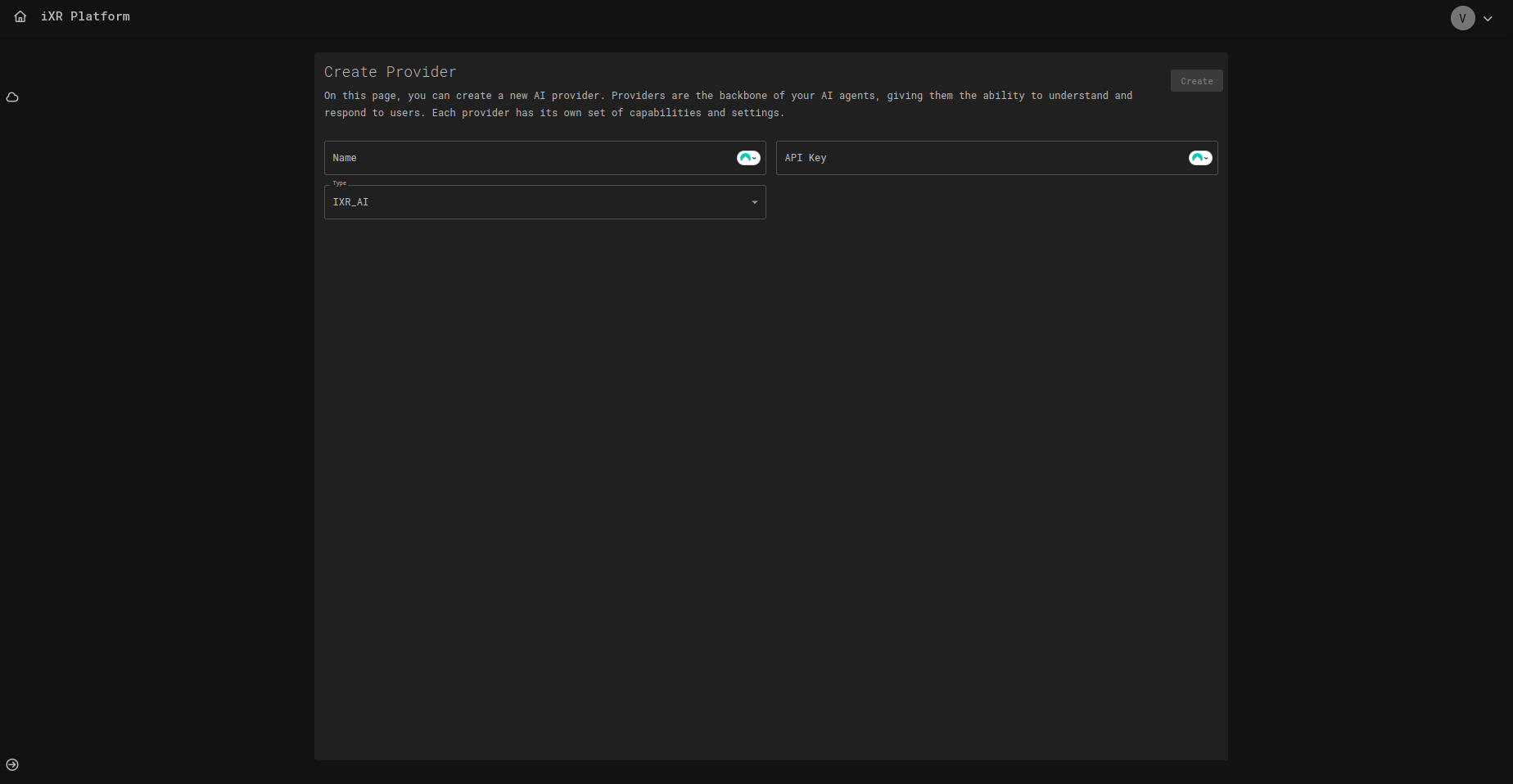
When creating a new provider, you must specify:
- Name – A unique identifier for the provider.
- Type – Select from supported providers (
INWORLD,CONVAI,IXR_AI). - API Key – The authentication key for the provider service.
Once created, the provider becomes available for AI agents in your workspace.
✏️ Editing a Provider
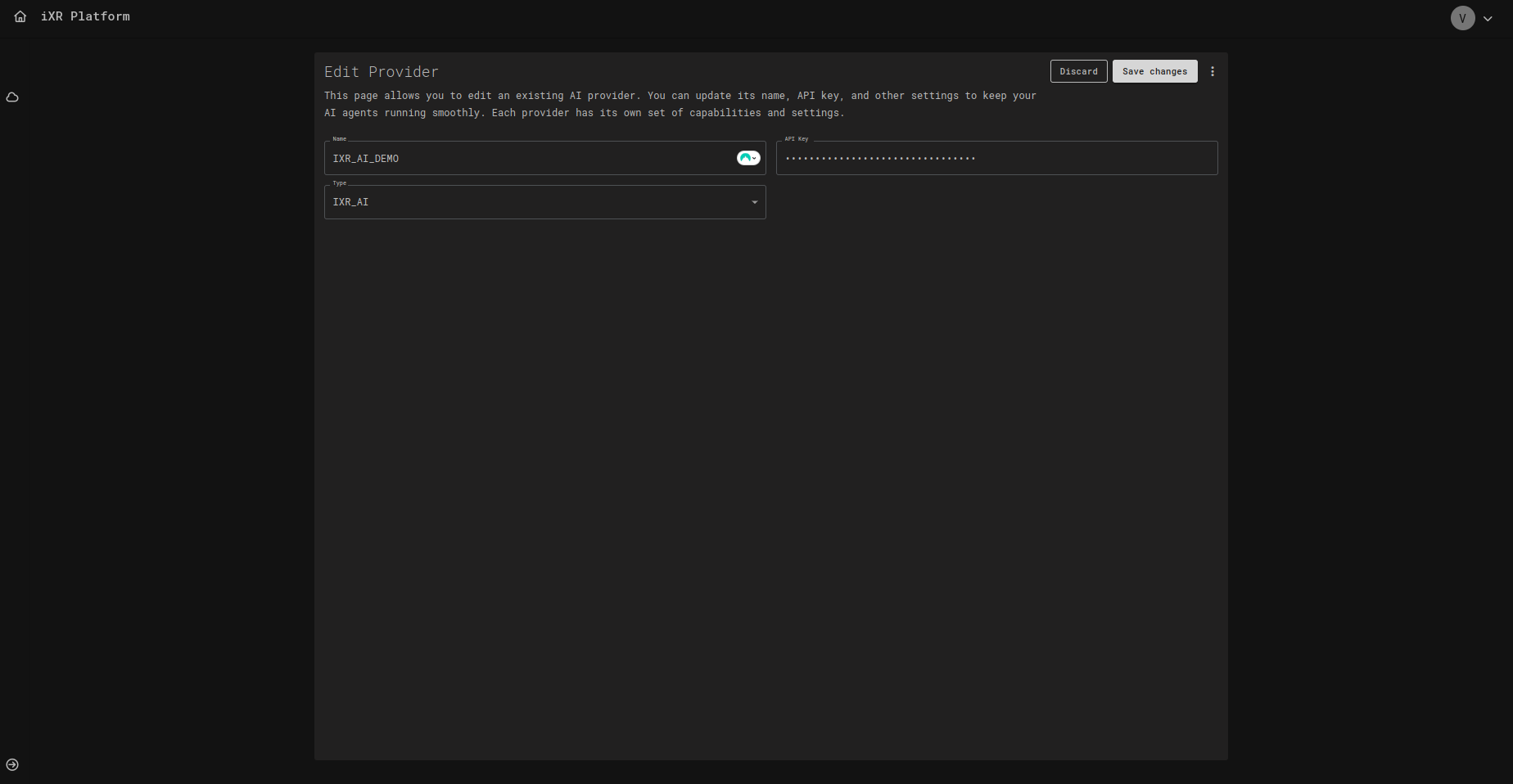
Editing a provider allows you to:
- Update the Name.
- Change the Type (if needed).
- Rotate or update the API Key.
✅ Best Practices
Always rotate API keys periodically and avoid sharing them across environments. Use separate keys for development, staging, and production.
For resilience, configure more than one provider type. This allows fallback options if one provider becomes unavailable.