Prompts
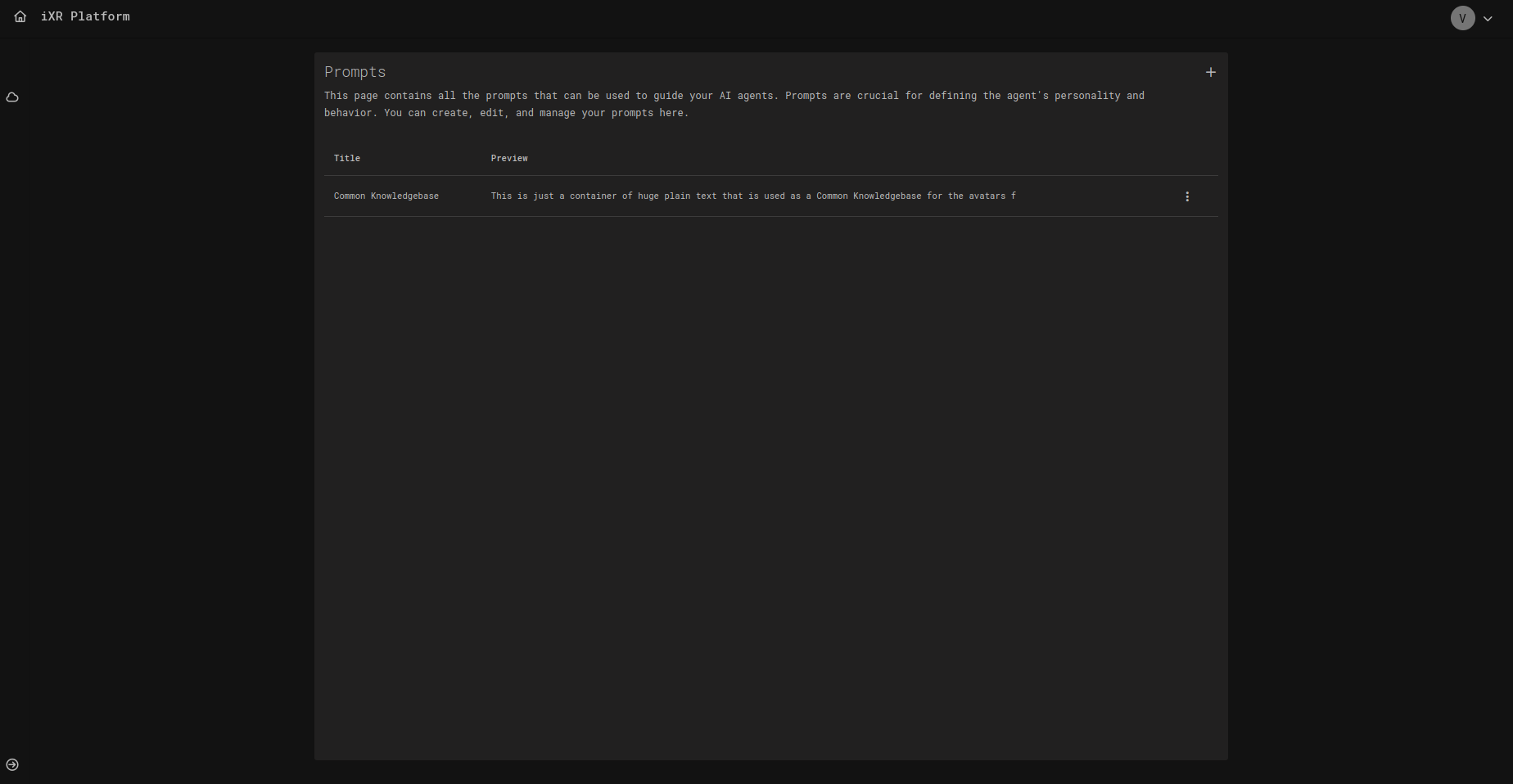
The Prompts page in AI Studio allows you to manage reusable blocks of text that guide your AI Agents. Prompts are essential for shaping an agent’s knowledge, behavior, and responses. They can act as knowledge bases, role definitions, or scenario-specific instructions.
📑 Page Layout
- List of Prompts – Displays all created prompts with their Title and Preview (shortened content).
- Actions Menu – Each prompt has a menu with options to edit or delete.
- + Prompt – Opens a modal for creating a new prompt.
✨ Creating & Editing Prompts
Both creating and editing prompts use the same form. When you click + Prompt or Edit, you will see a simple editor with the following fields:
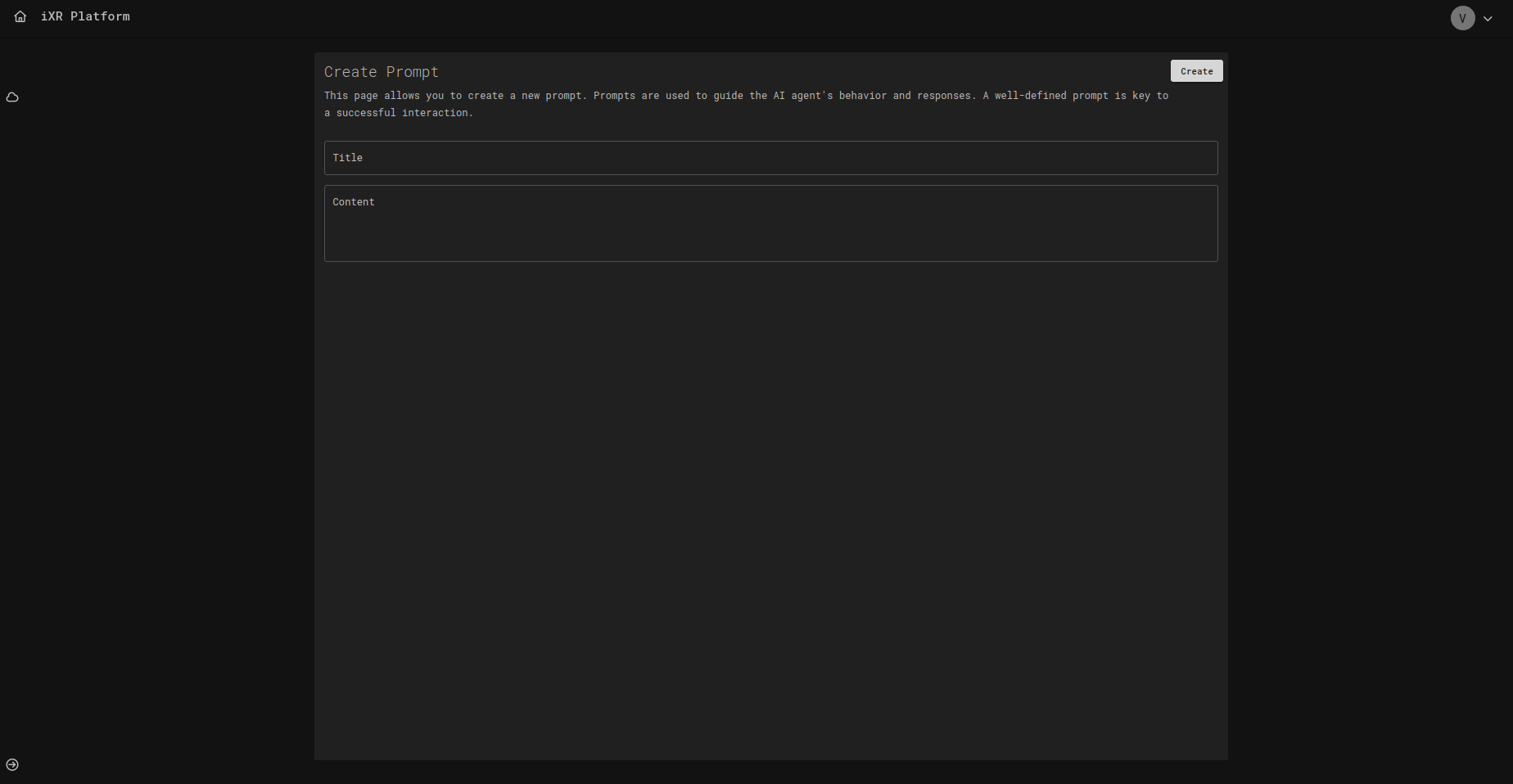
🏷️ Title
- A unique name for the prompt.
- Helps identify its purpose (e.g., Customer Support Guidelines, Medical Knowledgebase).
📝 Content
- The text or knowledge that defines the prompt.
- Can be a role description, knowledge dump, or scenario-specific instruction.
- Supports large plain text to act as knowledge containers.
Example: You are a friendly virtual trainer. Always explain safety rules before giving cooking instructions.
🔄 Updating Prompts
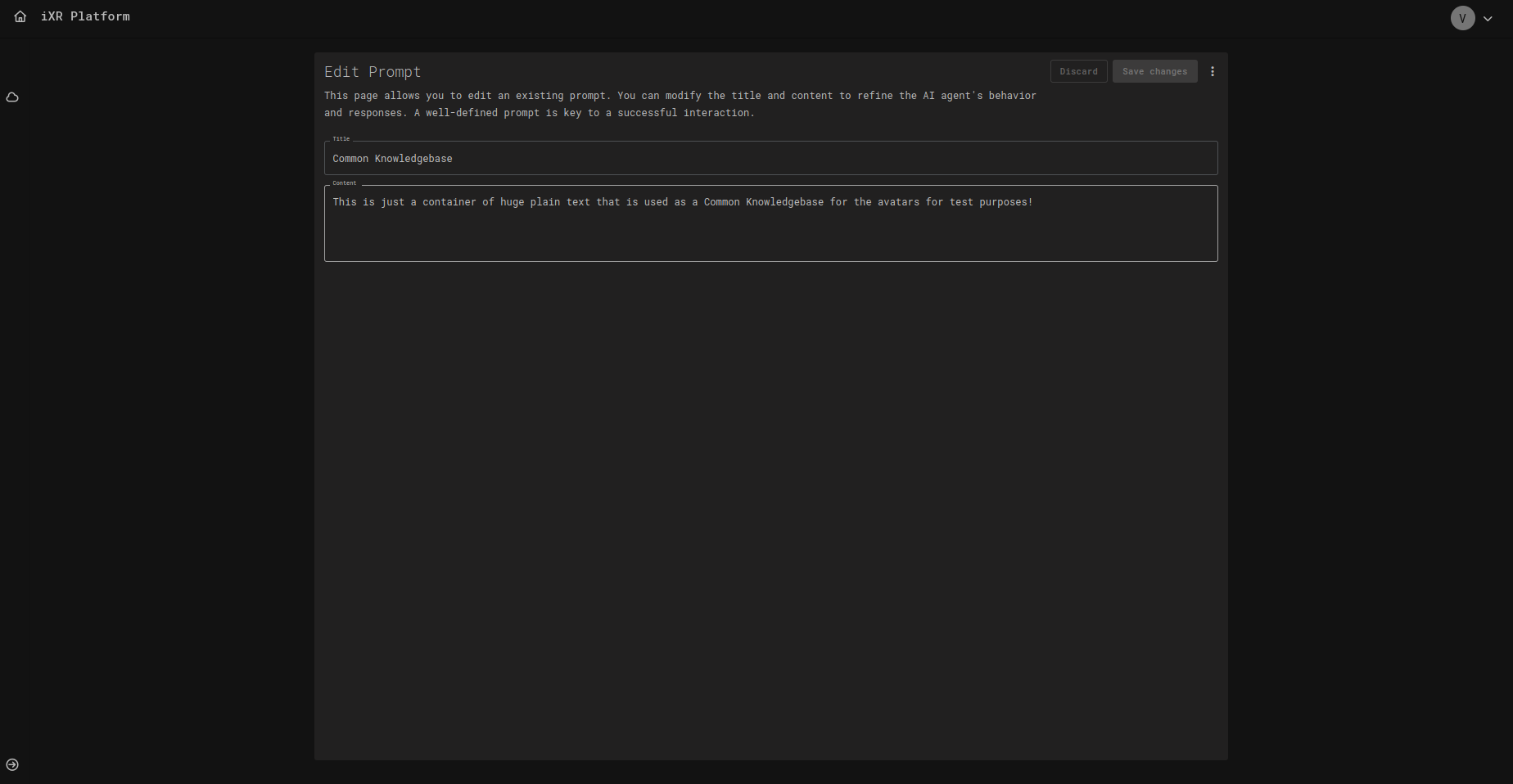
When editing, you can:
- Rename the prompt title.
- Update its content to refine behavior.
- Save changes immediately—updates apply to any agent using this prompt.
🗑️ Deleting Prompts
Click the Delete option in the action menu to remove a prompt.
- A confirmation dialog will appear before deletion.
- Deleting a prompt will break references in agents that use it—ensure you reassign a new prompt if needed.
✅ Best Practices for Prompts
- ✍️ Keep prompts modular – Split large knowledge into smaller reusable prompts.
- 🔄 Reuse where possible – Avoid duplicating the same content across agents.
- 🎯 Be specific – Clear, targeted prompts yield better agent responses.
- ⚡ Update carefully – Remember, editing a prompt affects all agents that use it.
- 🧪 Test iteratively – Try prompts with agents and refine wording for optimal results.
💡 Business Case
Imagine you are building a VR training program with multiple agents across different projects:
- A Safety Instructor agent.
- A Kitchen Trainer agent.
- A Customer Interaction agent.
Instead of writing instructions separately for each agent, you can create a single “Common Knowledgebase” prompt with shared safety and company rules. All agents reference the same prompt, ensuring consistency and making updates easy.
Benefits
- Centralized updates (fix once, apply everywhere).
- Reusable across projects and scenarios.
- Keeps agents aligned with organizational standards.